Why your website speed directly affects your clients (and Google)
If your website takes more than 3 seconds to load, you're losing clients before they read a single word. Here's what you need to know about web speed and PageSpeed.
Laura Sande
Software developer and UX designer
·
There’s a stat I include in every proposal: according to a Google study, 53% of mobile users abandon a page that takes more than 3 seconds to load.
They don’t read it. They don’t evaluate whether you can help them. They leave. And most of them don’t come back.
For a local business that depends on those visitors becoming clients, that stat isn’t technical — it’s money.
The problem with slow websites
When I talk about speed with clients, the most common scenario is this:
They have a website on Wix, Squarespace, or WordPress with a pile of plugins, a purchased theme that does a thousand things, 4MB images uploaded straight from their phone, and cheap shared hosting alongside thousands of other sites.
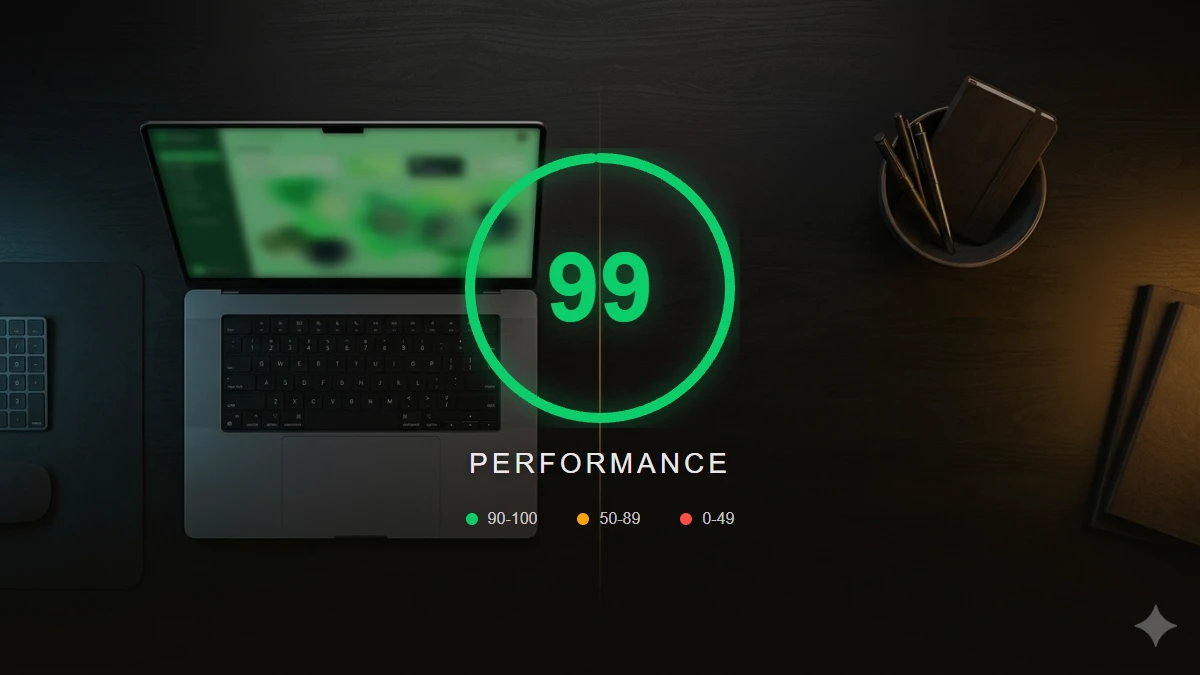
The result: a website that scores 35 on mobile in Google PageSpeed Insights.
What does that mean in practice?
-
Google penalises you in rankings. Speed has been a direct ranking factor since Google introduced Core Web Vitals as a ranking signal. A slow website ranks lower than a fast one with the same content.
-
Your users leave before seeing anything. If your hero section takes 4 seconds to appear, you’ve already lost half your visitors.
-
Your conversion rate drops. In our experience, local businesses that improve their website speed see a direct increase in enquiries. Every second counts when the user has 10 more options on Google.
What Google measures (and why you should understand it)
Google measures three key metrics under the name Core Web Vitals:
LCP (Largest Contentful Paint) The time it takes for the largest visual element on the page to appear (usually the hero image or heading). It should be under 2.5 seconds.
CLS (Cumulative Layout Shift) Measures how much the content moves while the page loads. Have you ever tried to tap a button and it shifted just as you were about to click? That’s bad CLS. It should be below 0.1.
INP (Interaction to Next Paint) Measures how quickly the page responds when the user interacts. Under 200ms is the target.
The most common culprits behind a slow website
For local businesses, the problems are almost always the same:
Unoptimised images: a 5MB product photo that could weigh 150KB in WebP with the same visual quality. It’s the number one issue and the easiest to fix.
Too many plugins or scripts: every plugin you add loads additional JavaScript. A contact form doesn’t need 12 plugins. A standard WordPress site with a multipurpose theme can easily load 30 different scripts.
Slow hosting: cheap shared hosting puts your website on a server with thousands of other sites. When traffic spikes, everyone suffers. The difference between 2-euro/month hosting and 12-euro/month hosting can be 800ms in server response time.
No caching configured: every time someone visits your site, the server generates the page from scratch. With proper caching, it serves a saved version in fractions of a second.
Poorly loaded Google Fonts: Google Fonts are great, but if not loaded correctly they can block page rendering. The fix is as simple as adding preconnect and display=swap.
How to score 95+ on PageSpeed
There’s no magic. These are the practices I apply to every project:
- All images in WebP with
widthandheightdeclared to prevent CLS. - Lazy loading for images outside the first viewport.
- No unnecessary client-side JavaScript: if something can be static HTML, it doesn’t need JS.
- Fonts with preconnect:
<link rel="preconnect" href="https://fonts.googleapis.com">before loading the font. - Static framework: a static site generator sends zero unnecessary JavaScript to the browser. Only what’s essential.
- CDN + asset caching: serve files from the server closest to the user instead of from a single shared host.
80% of optimisation work is about not adding things that aren’t needed.
A practical rule
Before adding any element to your website (a chat widget, a floating WhatsApp button, a booking plugin, a social media widget), ask yourself this question:
Is the speed penalty worth what this element contributes?
Often the answer is no. A WhatsApp button that loads an 80KB script may cost more than it brings in contacts. A simple contact form loaded natively will always outperform a third-party one with its own styles and scripts.
Check your speed right now
You can check your website’s speed now:
- Go to Google PageSpeed Insights
- Enter your website’s URL
- Make sure you’re looking at the Mobile tab (it’s the one that matters most)
If you score below 70 on mobile, you have a problem that’s costing you visitors and Google rankings.
If you’d like us to review your website’s speed and tell you what can be improved, get in touch. It’s one of the first things we do on every project.
Need help with your website?
Tell us about your project
and let's figure it out together
If you have questions about what you've read or want us to apply this to your business, get in touch.
Let's talk →